> For the complete documentation index, see [llms.txt](https://linkdao-network.gitbook.io/linkdao/llms.txt). Markdown versions of documentation pages are available by appending `.md` to page URLs; this page is available as [Markdown](https://linkdao-network.gitbook.io/linkdao/introduction/staking-and-earning/recurring-pool-b.md).
# Recurring Pool-B
Earn Fixed APR of 24% with Pool B
Staking $LKD tokens in Recurring Pool-B , allows you to Earn Fixed APR of 24% within the LinkDao ecosystem. LinkDao users will be able to receive the $LKD rewards based on the 100 $LKD stake in the Recurring Pool-B as follows:
### **In order to stake in Recurring Pool-B:**
1. Pool limit -100,000 $LKD
2. Minimum stake amount per user -1.00 $LKD
3. Maximum stake amount per user -5000.00 $LKD
4. Deposit and Withdrawal fee is 0%
5. Withdraw rewards every 30 days upto 18 months.
They’re locked up in a smart contract on the BSC network. Initially, only $LKD on the BSC network will be eligible for staking, but we’re planning to add other networks as well based on demand.
If you’re not a $LKD token holder or you want to get more tokens, you can always buy them on [**PANCAKESWAP**](https://pancakeswap.finance/swap?inputCurrency=0xaf027427dc6d31a3e7e162a710a5fe27e63e275f) or on centralized exchanges like [**LBANK**](https://www.lbank.info/exchange/lkd/usdt) and [**BITMART**](https://www.bitmart.com/trade/en?layout=basic\&symbol=LKD_USDT) **.**
### How to stake $LKD
Staking $LKD is fairly simple if you already hold $LKD in any web3 wallet like Metamask and Trust wallet dApp:
1. Go to
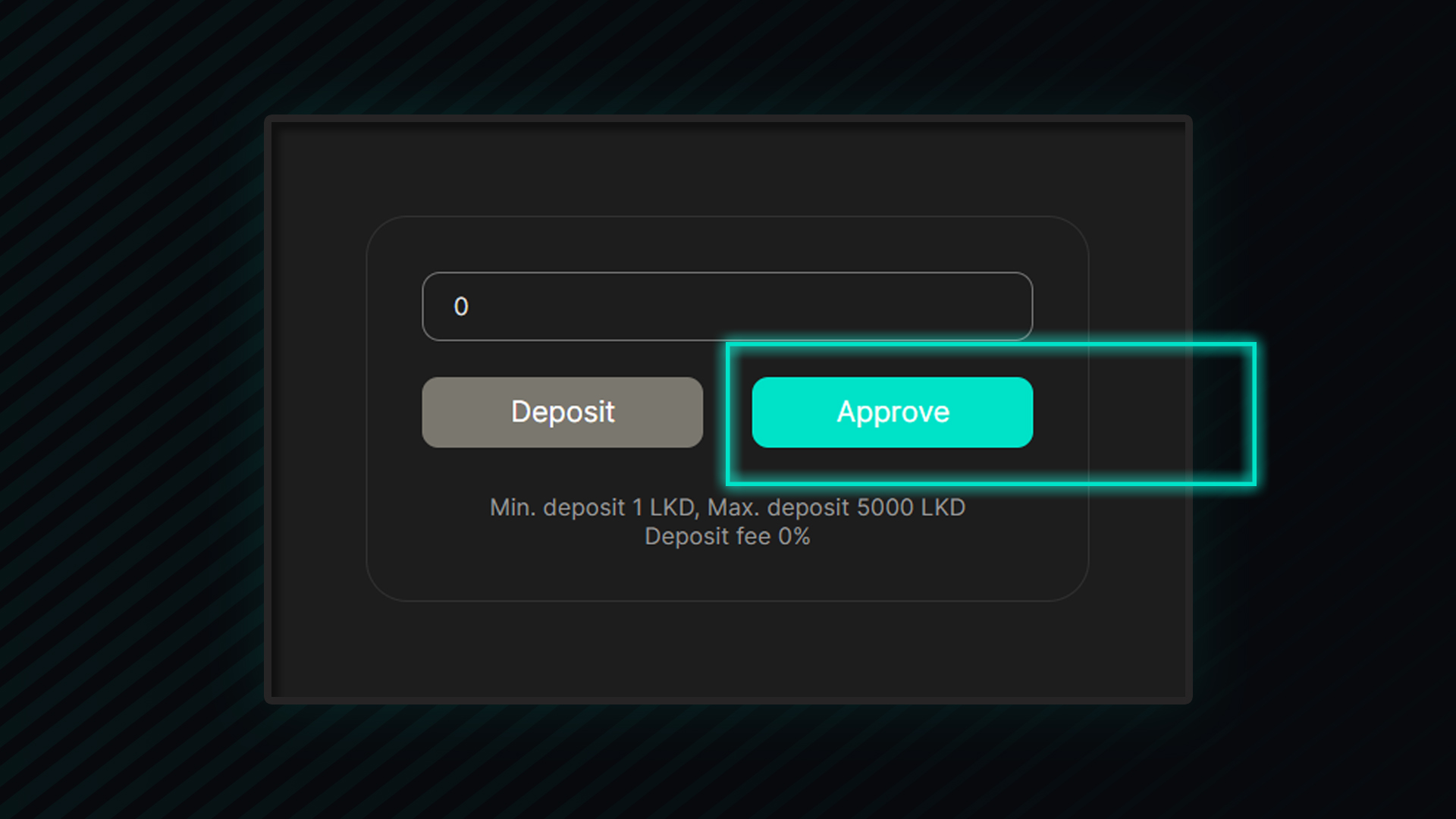
2. Press “Approve”; you’ll have to allow the smart contract to access your tokens if you’re staking for the first time (but only once) by signing a transaction
3\. Once approved and transaction confirmed, Enter the number of tokens you want to stake in Recurring Pool — B
4\. Press “Deposit” and sign the transaction on the BSC network
After a few seconds, your tokens should be staked on the blockchain and the website will automatically update your staked amount.
Note: You’ll need a small amount of $BNB smart chain in your wallet to pay for the transaction fees of the Staking or Unstaking operations.